New emails are ready in Total Expert! Take a look at what’s available this month and find something that fits the conversations you’re already having with clients and Realtor partners.
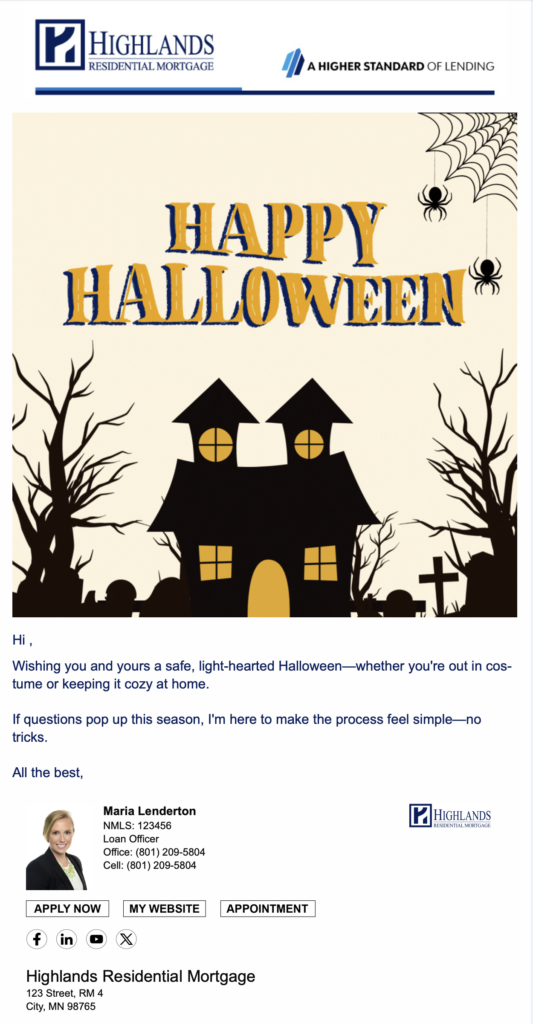
Halloween
(B2B | B2C | Automated)
A simple Halloween touchpoint for your clients and Realtor partners. Opt in and we’ll take care of the rest!
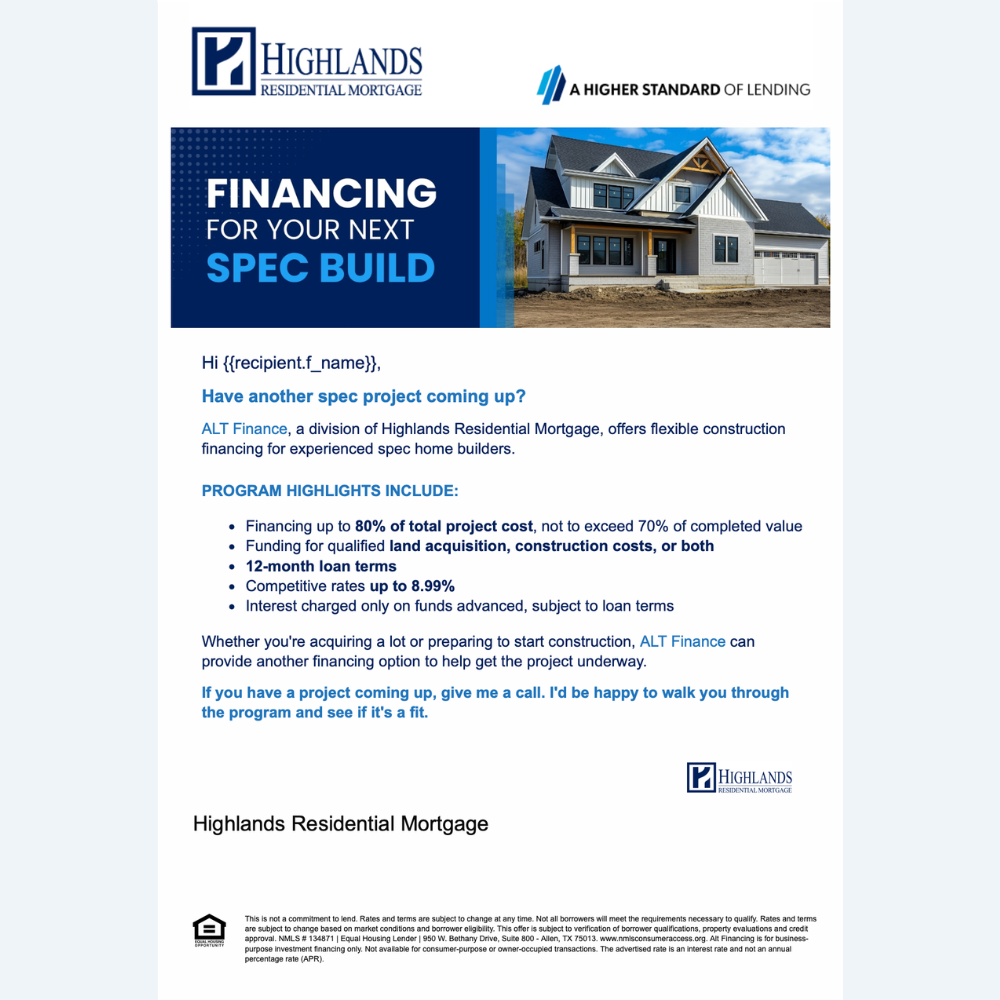
Alternative Financing for Spec Builders and Investors
(B2B | Manual)
Working with Realtors, investors or builders involved in new construction? We have two email options highlighting alternative financing, one geared toward experienced spec builders and another for real estate investors.
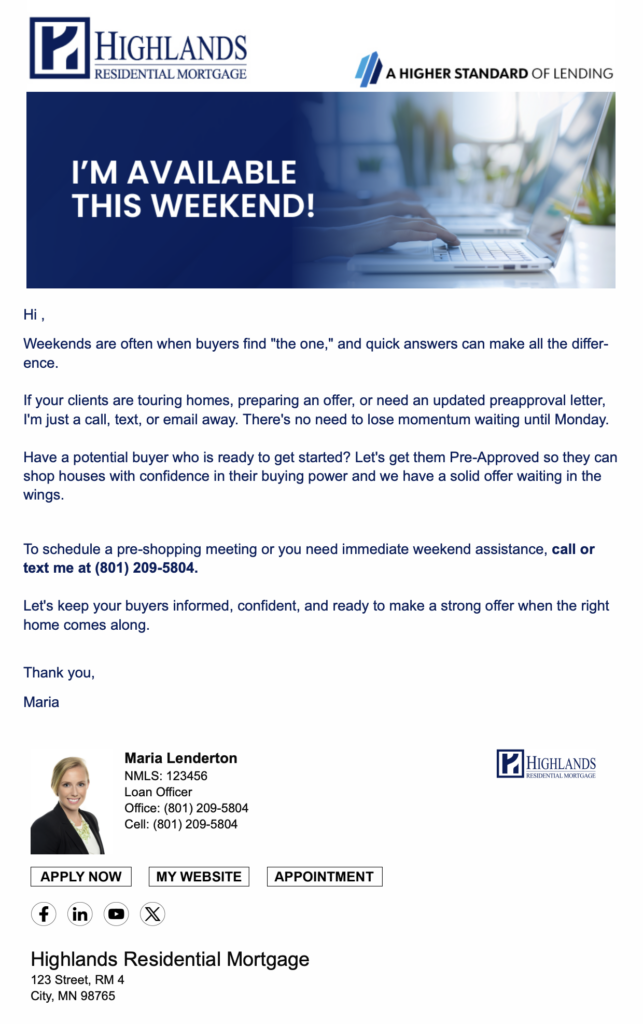
Let your Realtor partners know you’re available when their clients need you most. This email gives them an easy way to reach out over the weekend for quick questions, updated preapprovals or buyers who are ready to get started.
Mortgage Options for Non-Traditional Income Earners
(B2B | Manual)
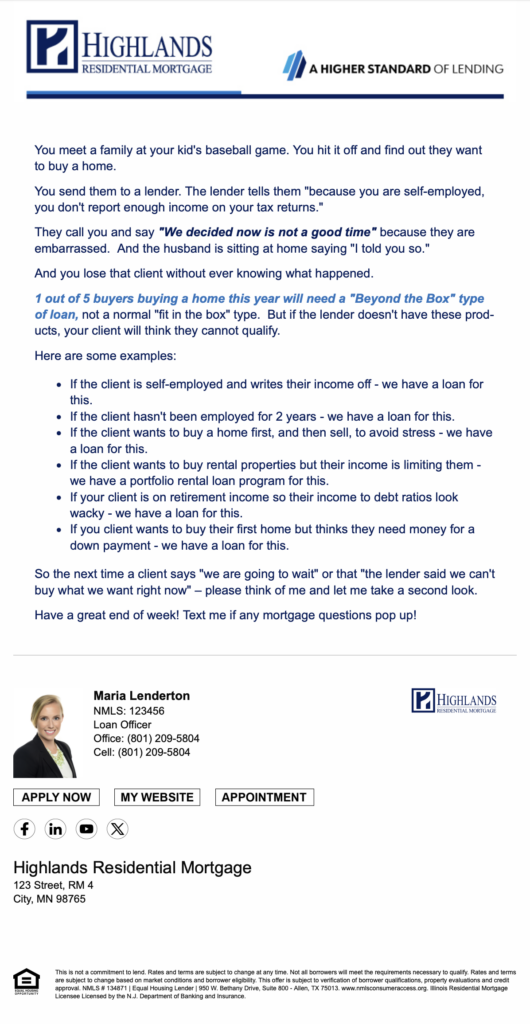
Not every buyer earns a traditional W-2 paycheck. This email gives Realtor partners a quick look at financing options that may work for self-employed borrowers, small business owners, gig workers and other buyers with non-traditional income.
Missed TE Academy or want to revisit a session? Catch up on two more recordings below.
TE Academy: Hidden or Underutilized Features of Total Expert
There may be more hiding in Total Expert than you realize. This session covers several lesser-known features that can help with your day-to-day workflow, organization and follow-up.
TE Academy: Building Realtor Relationships
Take a look at Total Expert from your Realtor partner’s side. This session covers what agents see when they log in, the resources available to them and ways you can use Total Expert together.
Featured Loan Officer Content
Need something new for an upcoming meeting, open house, client conversation or Realtor follow-up? Here are a few pieces Marketing has created recently that you can put to work in your own business.
Client-Facing:
Buy With Confidence Presentation
A first-time homebuyer presentation that walks clients through financing basics, the homebuying process and common mistakes to avoid. Use it during buyer consultations, homebuyer classes or as a follow-up resource.
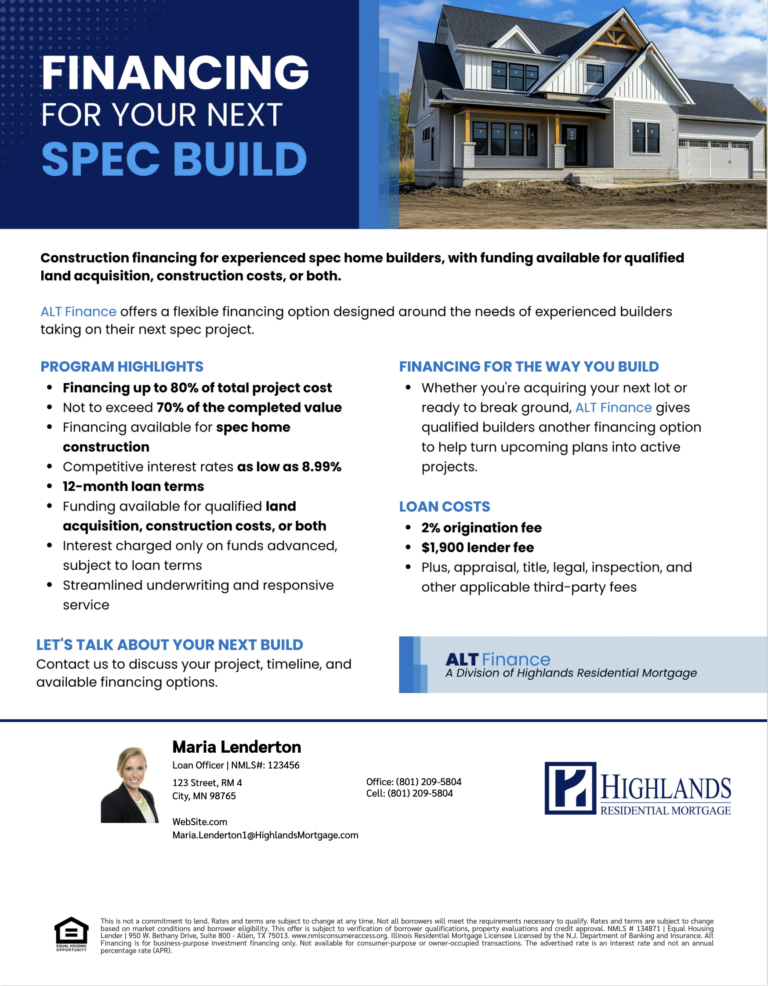
Have an investor or spec builder who needs a different financing option? These flyers break down ALT Finance program highlights, loan costs and financing details in an easy-to-share format. Separate versions are available for spec builders and real estate investors.
Have a Realtor partner with a listing they want to promote? Marketing can create a co-branded Homes for Sale postcard featuring the property along with both of your contact information.
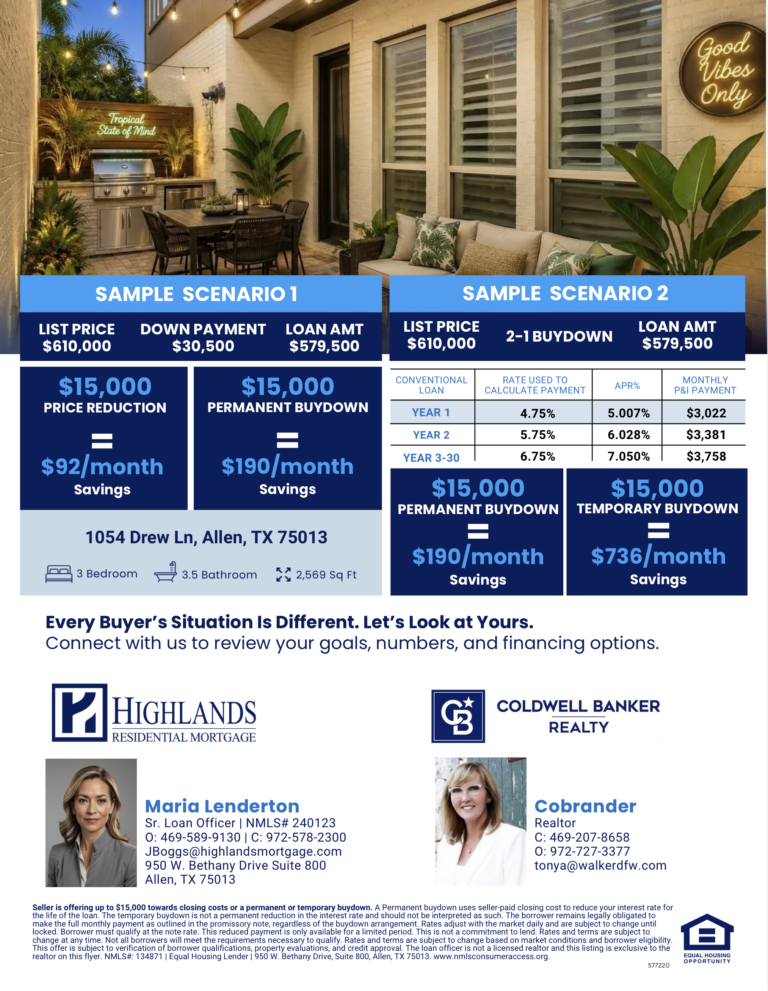
Show buyers how different seller concessions could impact their monthly payment. This property-specific flyer compares a price reduction, permanent buydown and temporary buydown side by side, making it useful for listings, open houses and affordability conversations.
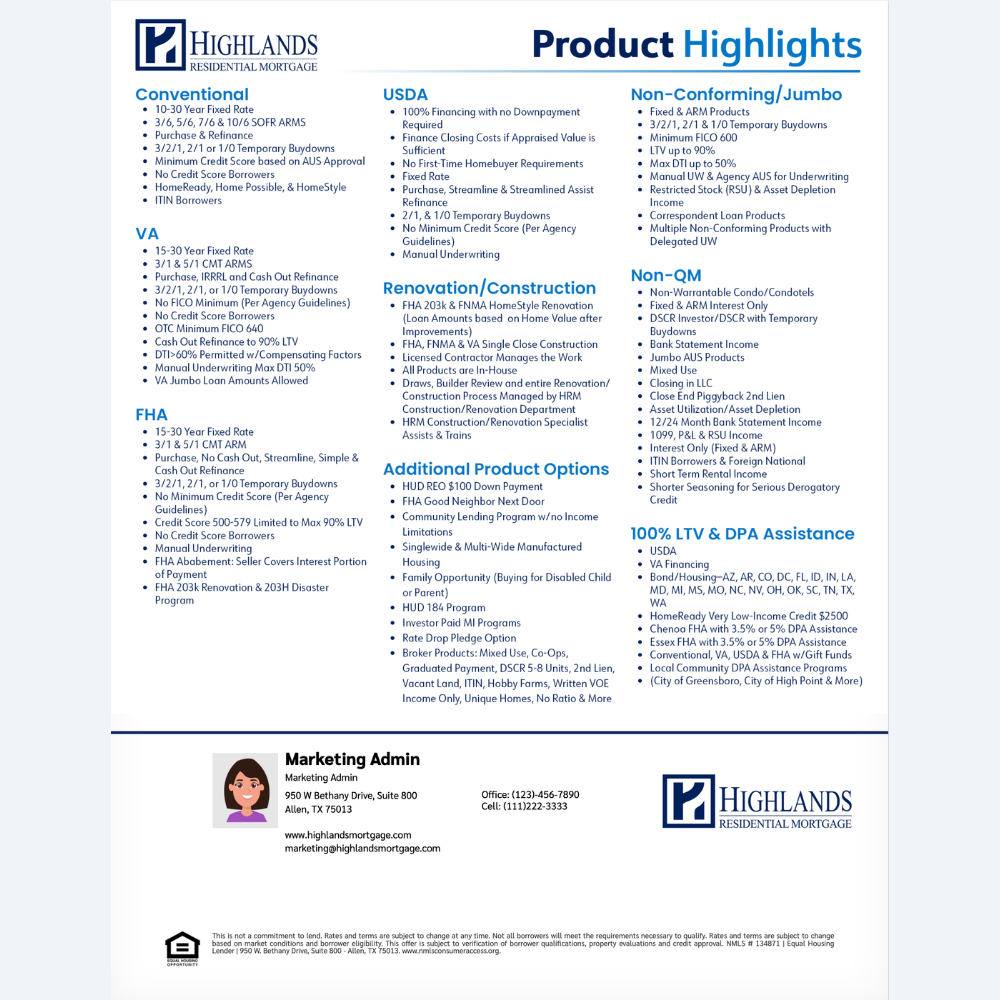
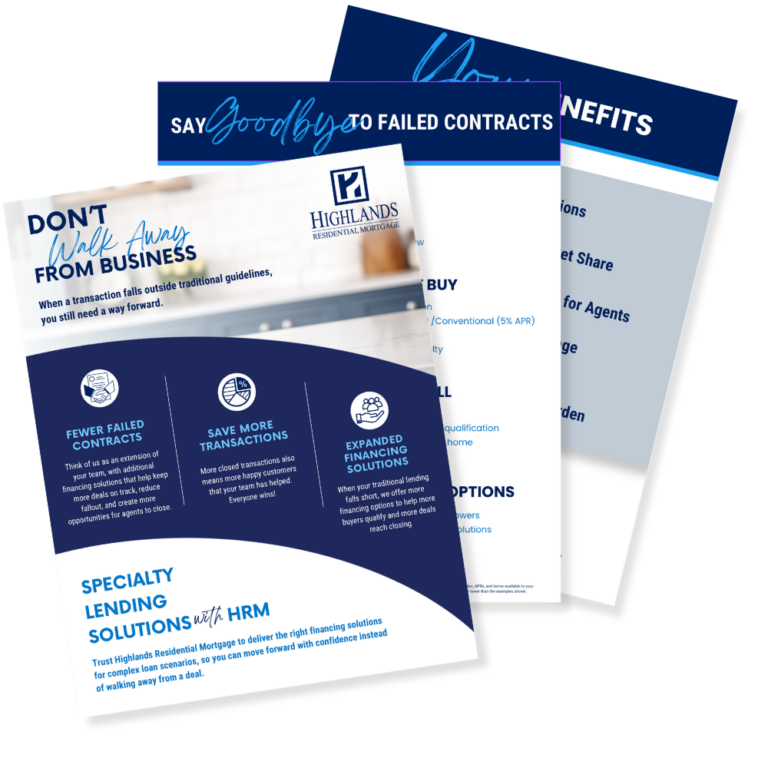
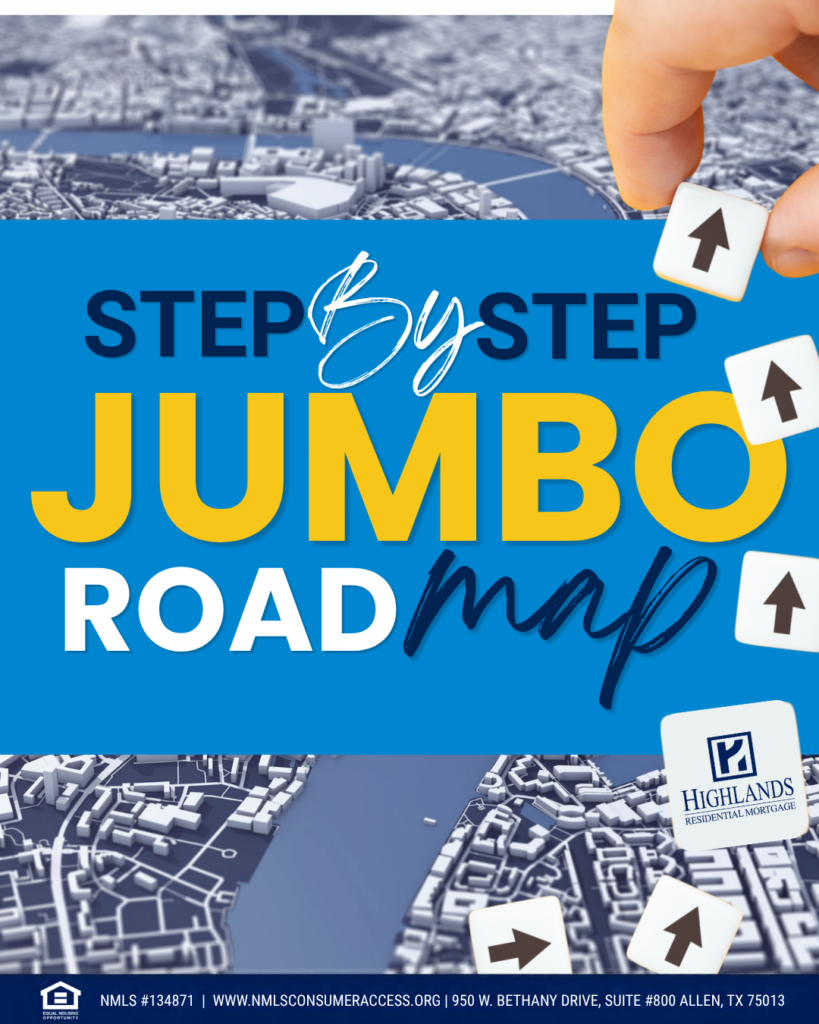
Have a Realtor partner with a deal that doesn’t fit neatly into traditional financing? This flipbook highlights specialty lending options that may help keep a challenging deal moving forward, from construction and Buy Before You Sell to alternative financing and unique borrower scenarios.
Use it in agent meetings or send it as a follow-up when a unique financing scenario comes up.
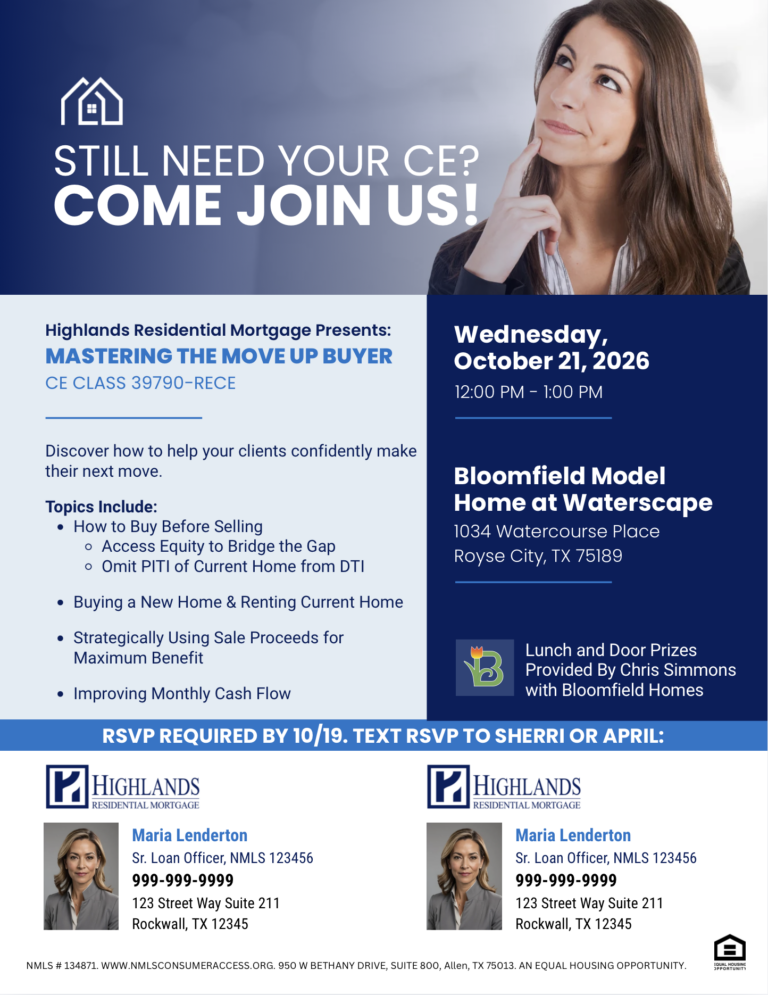
Planning an event with a Realtor partner? Marketing can create a co-branded flyer with your event details, branding and contact information so you have something ready to share digitally or in print.
Have a Realtor partner with a buyer who loves the home, but wants a pool? This flyer explains how eligible buyers may be able to finance the purchase of a new home and the cost of adding a pool within one mortgage using HomeStyle Renovation.
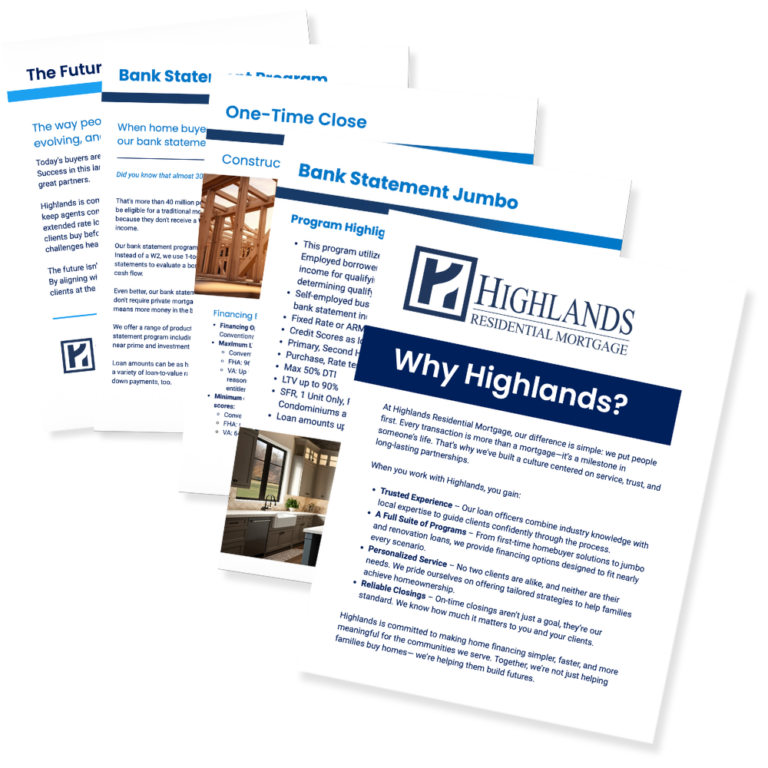
Looking for something to bring to your next Realtor meeting? The Why Highlands booklet gives partners an overview of Highlands, our loan options, technology and the support available throughout the mortgage process.
October social graphics are now live and ready to post!
What's New
Total Expert has rolled out several new features and updates.
There’s nothing you need to sign up for — these updates are automatically available in your account.
New Birthday, Thank you & Recipe Cards
You now have a few more ways to add a personal touch outside of email. Total Expert has added Birthday, Thank You and Recipe Cards that you can create and print directly through the platform.
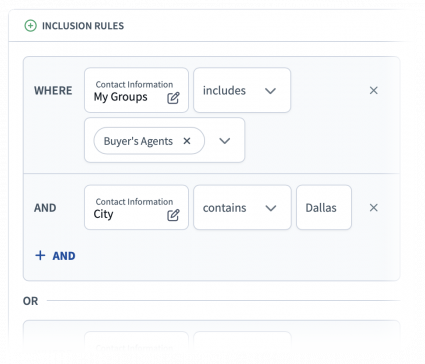
Building a targeted contact list just got easier. Total Expert now allows you to use both AND and OR statements when filtering contacts, giving you more control over exactly who you want to find.
For example, instead of being limited to contacts who meet every selected criterion, you can build lists using different combinations based on the audience you’re trying to reach.
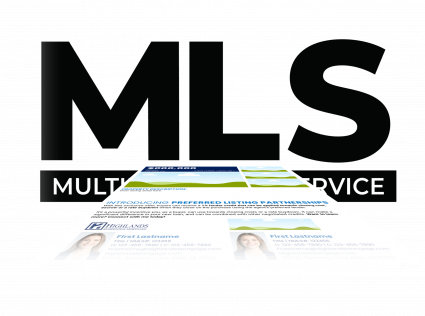
7 New MLS Network Additions
Total Expert has expanded its MLS network with seven new additions. If you work in one of the newly supported markets, you may now be able to pull listing information directly into Total Expert when creating Open House Flyers, Rate Flyers and Single Property Sites — meaning less property information to enter manually.
Need a reason to reach out to a Realtor partner? Here are a few topics you can turn into an email, meeting conversation or quick follow-up this month.
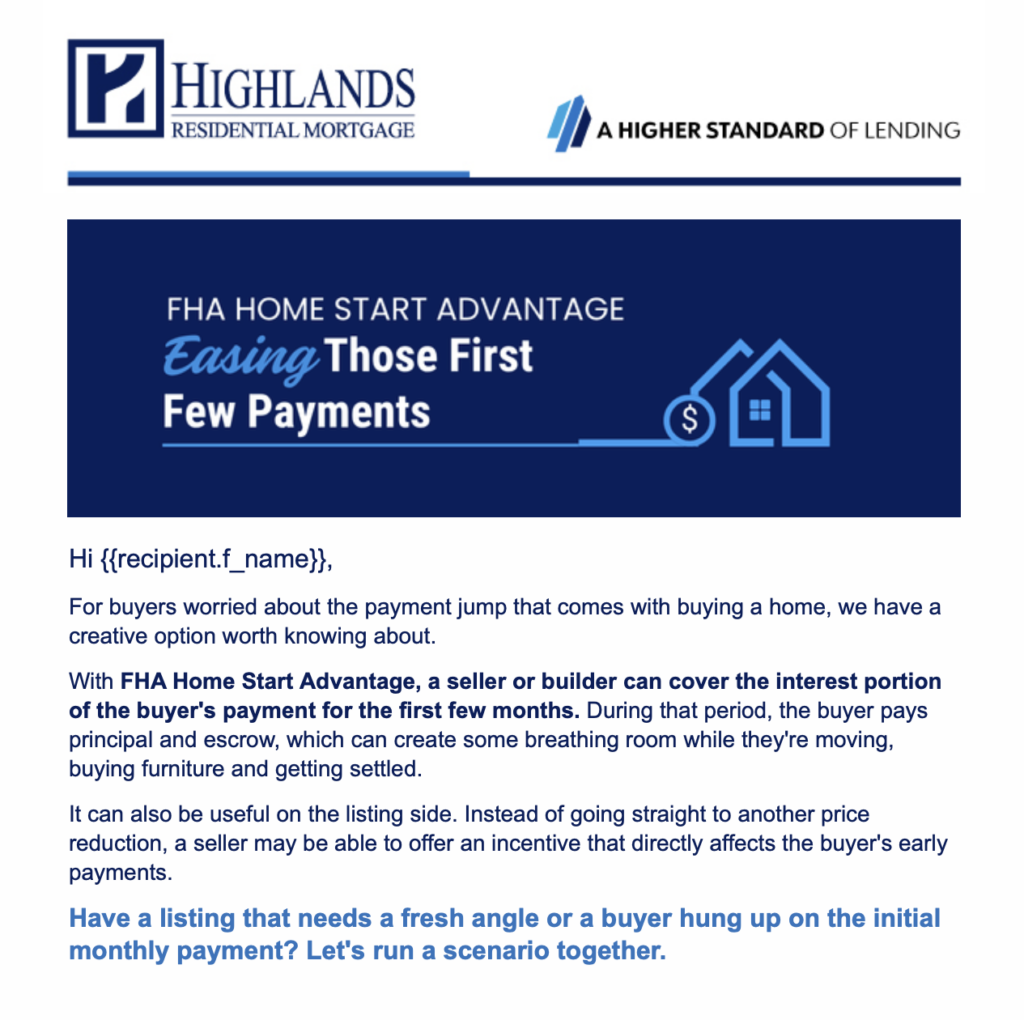
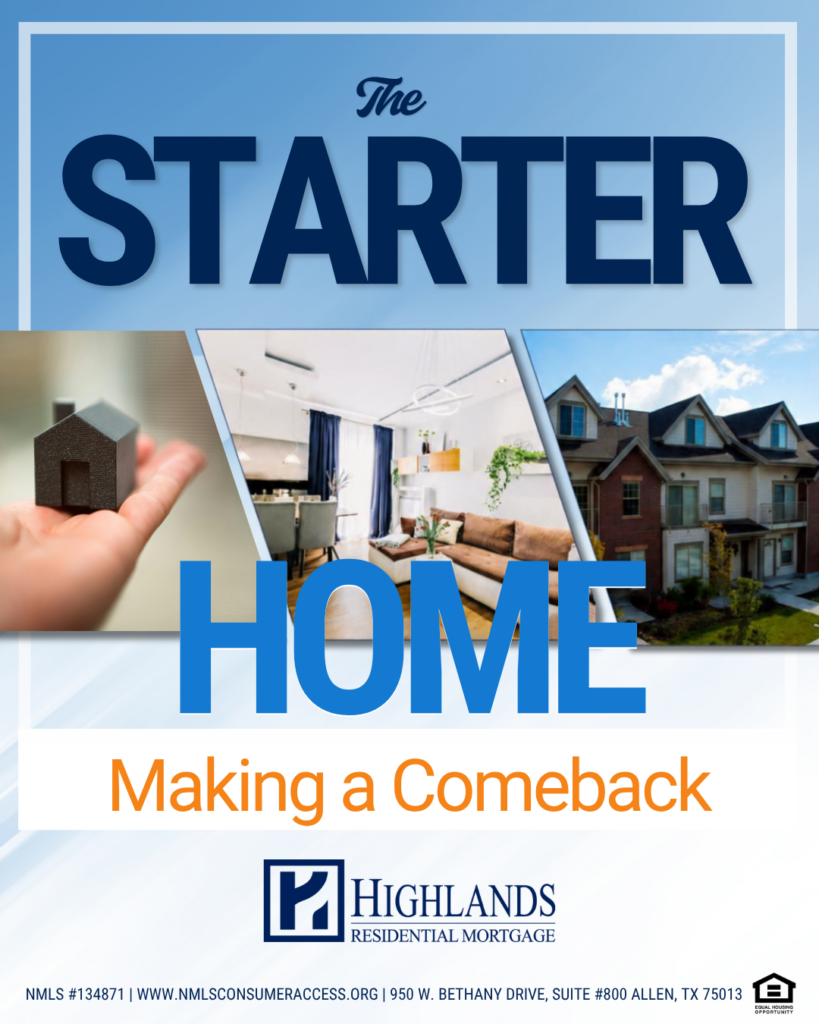
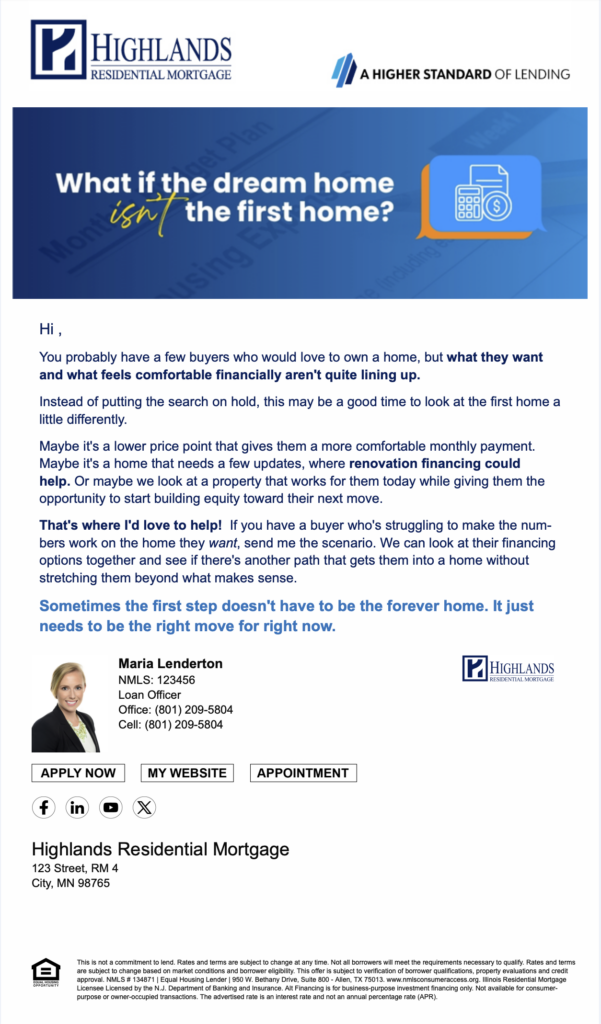
Making the Starter Home Cool Again
Not every first home has to check every box. This email gives Realtors a different way to talk with buyers who may be waiting until they can afford everything on their wish list.
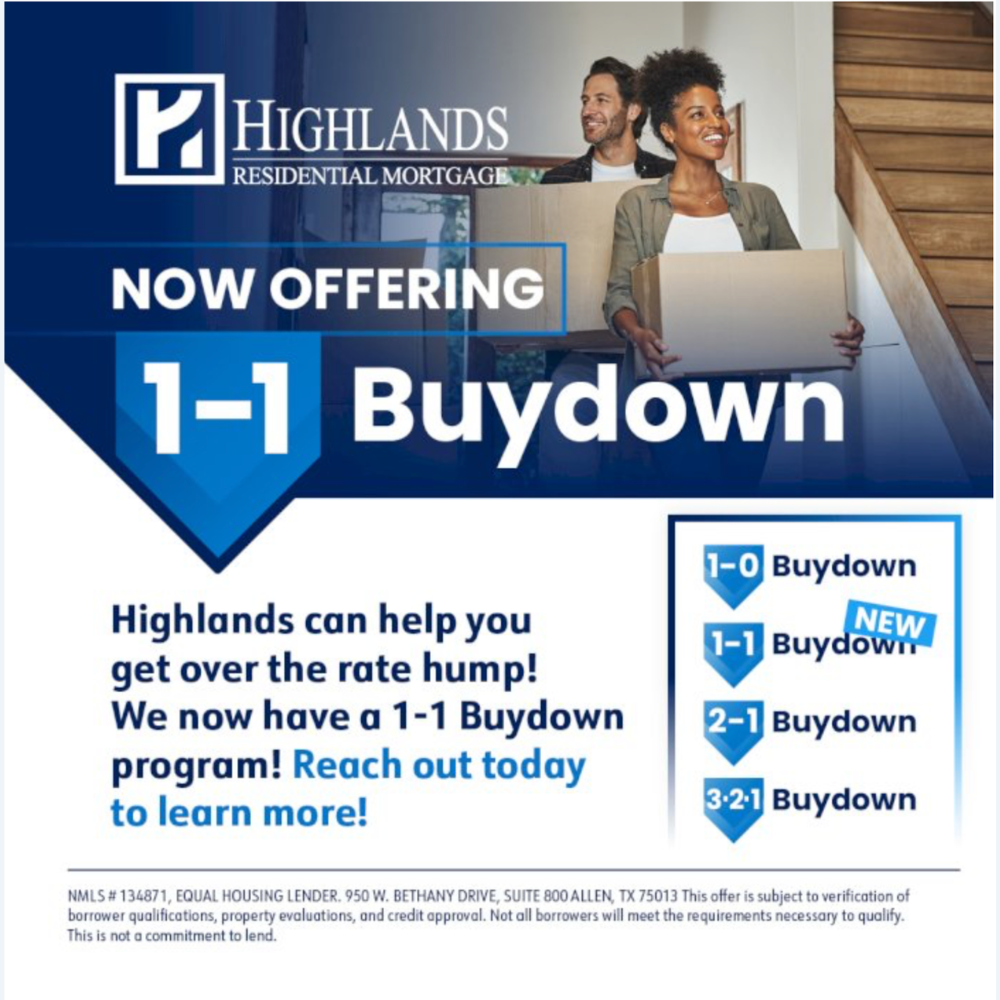
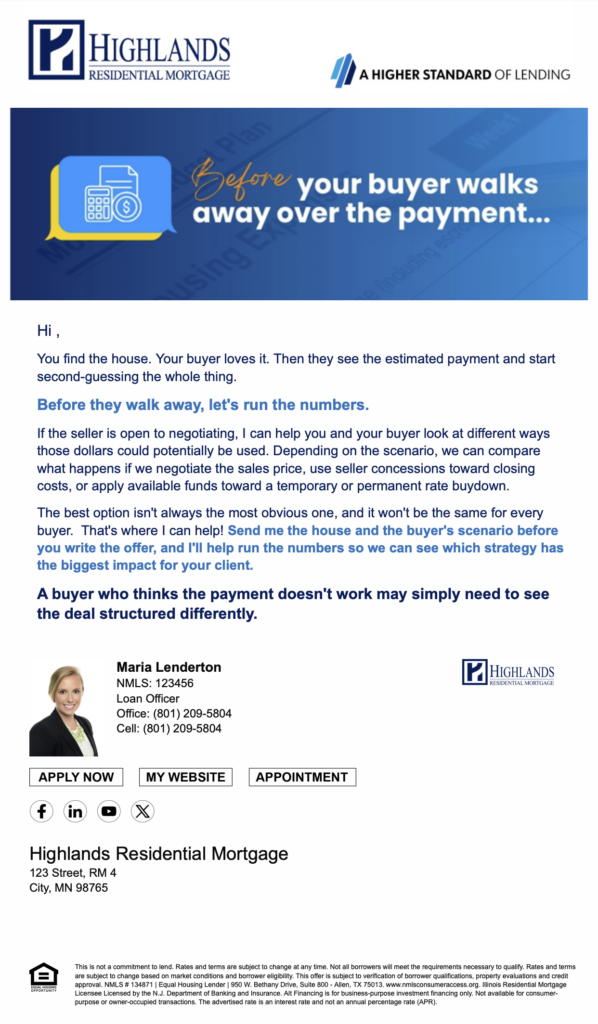
When buyers get hung up on the rate, there may be other numbers worth talking about. Seller concessions, buydowns and negotiating the sales price can all play a role in getting to a monthly payment that works.
Not every buyer fits neatly into the traditional lending box. This email gives Realtors examples of buyers who may have more financing options than they realize and encourages them to send those harder-to-place scenarios your way for a second look.
Before a seller cuts the listing price, show your Realtor partners another option worth considering. This email compares a price reduction with using seller-paid closing costs toward a permanent rate buydown, including a side-by-side look at the monthly savings for the buyer.
The new conforming loan limits may give some buyers more room to work with. Use this email to reconnect with Realtor partners and identify clients shopping at higher price points who may benefit from the increased limits.
Marketing created a custom flyer for me. Can it be added to Total Expert for my branch?
Possibly! If you think a custom piece could be useful for your branch or other Highlands LOs, let Marketing know once you’ve approved the final version. We can determine whether it makes sense to add it to Total Expert for broader use.
I want to be more active on social media. Can Marketing help?
Absolutely. While Marketing can’t manage your social accounts for you, we have Facebook, Instagram and LinkedIn playbooks with setup guidance, content ideas and posting best practices.
Need a custom social post? We can help with that too!
I created a marketing piece with AI; can you check it for me? Can you add my photo?
Any advertising piece, whether it was created with AI or not, needs to go through ActiveComply portal for Compliance approval before use.
If you need design changes, keep in mind that AI-generated files typically aren’t editable, so Marketing may need to recreate the piece. AI can be helpful for brainstorming or creating an initial concept, but if you need a finished marketing piece that can be updated later with a new price, co-branded, event date or other details, reach out to Marketing and let us build it for you.