Take a look at our Top 10 most requested items! Click the image to access, or reach out to [email protected] for assistance.
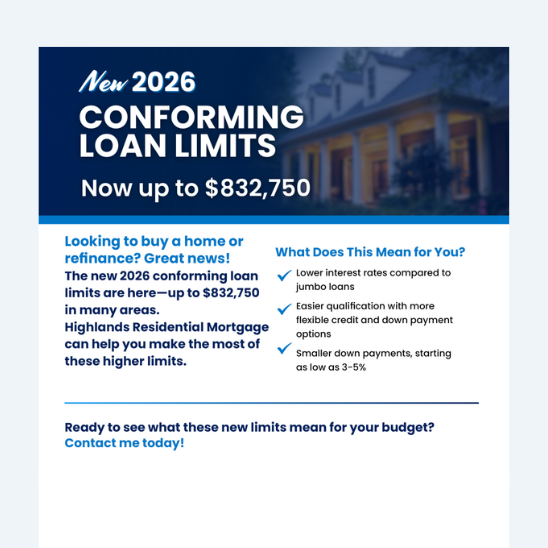
2026 Conforming Loan Limits Flyer
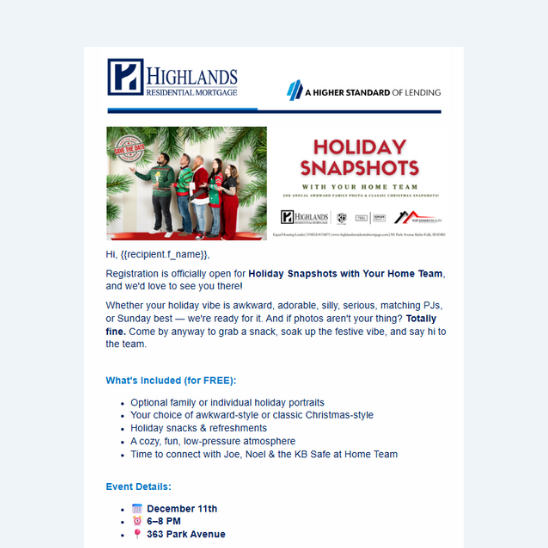
Local Event Announcements
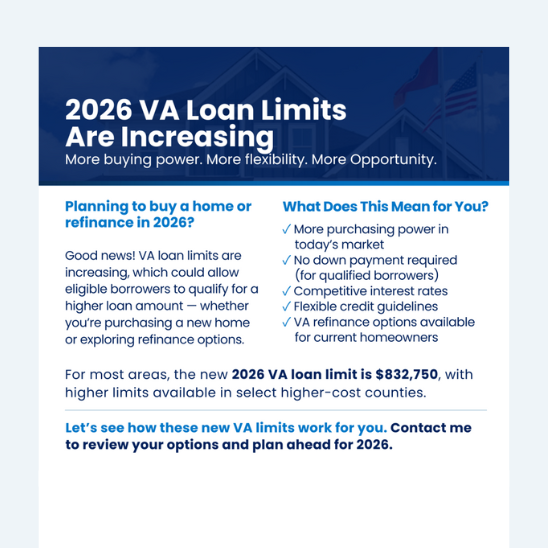
2026 VA Loan Limits Flyer
Recruiting Flip Book
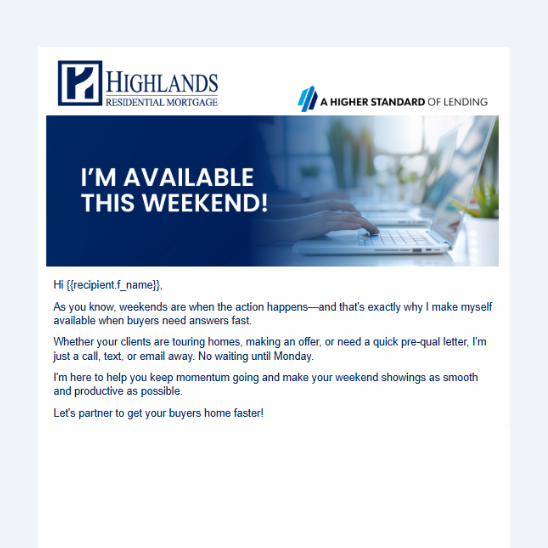
Weekend Availability Email
Recruiting Videos
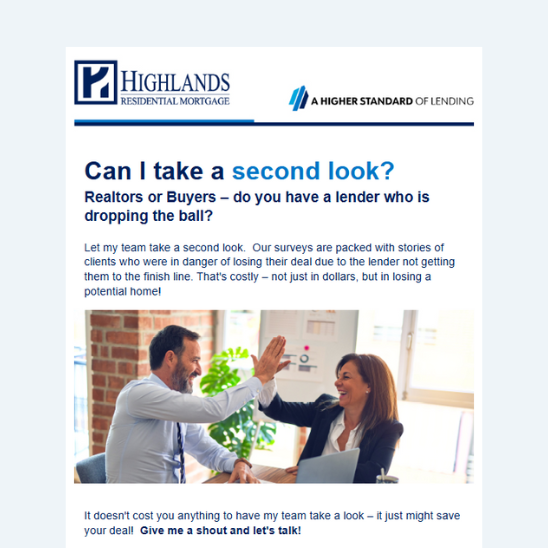
Second Look Email
Highlands Insurance Services Email
Custom Email Signatures
Property Flyers
Total Expert Email Content
(Automated/Manual)
Check out these ready-to-send email templates in Total Expert (manual or automated as noted):
Martin Luther King Jr Day Email
(Automated – Sends January 19th)
A thoughtful message honoring the legacy of Dr. Martin Luther King Jr. This email allows you to acknowledge the day while reinforcing that you’re here as a resource for your clients.
Our newest FHA loan option helps buyers ease into homeownership with reduced payments for up to six months. This is the FHA Interest Abatement Program, branded in our marketing as FHA Home Start Advantage. Use this email to introduce the program to potential clients and explain how it can help make the early months of homeownership more manageable.
We’re excited to launch a new “Did You Know?” video series focused on quick Total Expert tips you can begin doing immediately. Check out these two new videos:
Did You Know: Office 365 Integrations
Connect your Office 365 account directly with Total Expert so your emails and calendar stay in sync. This short walkthrough shows how to set it up and cut down on jumping between systems.
Did You Know: Sharing Contacts
Sharing contacts in Total Expert is easier than you might think. This quick video shows how to share contacts with coworkers or referral partners, so everyone stays aligned.
Featured Loan Officer Content
This month’s featured content includes a mix of flyers and tools you can use with buyers and referral partners—whether you’re starting new conversations or supporting active deals.
College House Hack Flyer
A creative way to help parents think differently about college housing. This flyer walks through purchasing a home for a student to live in while renting to roommates (turning housing costs into a longer-term opportunity to build equity).
A clean, easy reference that outlines Highlands’ full range of loan options from Conventional, FHA, VA, and USDA to Non-QM and renovation programs. Ideal for clients and referral partners who want a quick snapshot of what we offer. Also, it’s a great recruiting tool!
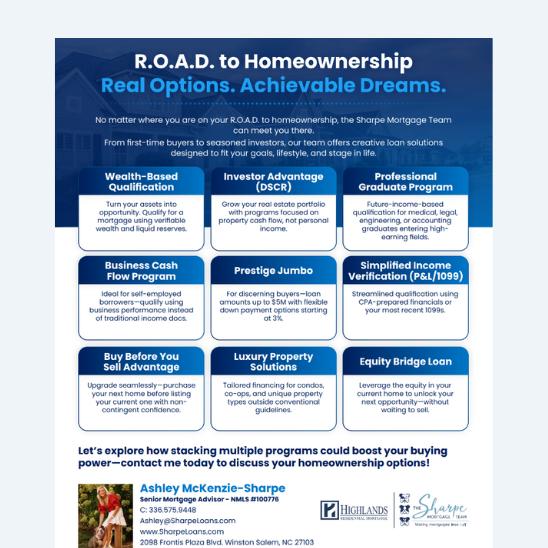
Highlights creative loan solutions like DSCR, jumbo, business cash flow, and equity bridge options. This piece is designed to show how Highlands can meet borrowers wherever they are on their path to homeownership.
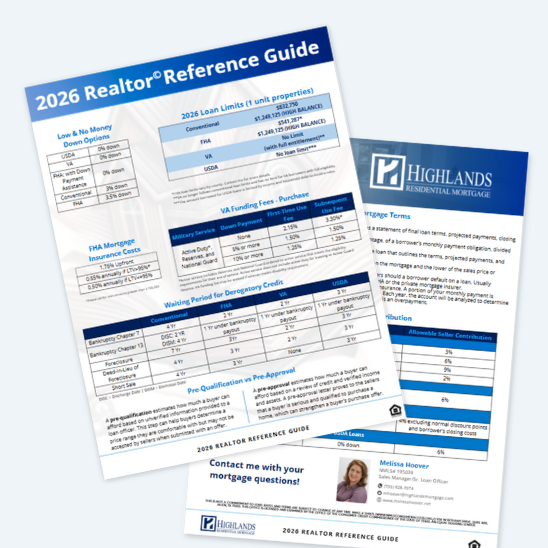
A two-page, real estate agent-friendly guide covering loan limits, down payment options, funding fees, credit timelines, and seller contributions. A great leave-behind or quick reference that they can keep on hand.
Start the year with a simple, in-person touchpoint. These ready-to-use Pop-By tags pair easily with a small seasonal gift and give you an easy reason to stop by and reconnect with referral partners.
January social graphics are now live and ready to post!
What's New
Stay ahead of the curve with the latest marketing tools, insights, and resources!
Pipeline Views in Total Expert
Pipeline Views just got an upgrade! In Total Expert, at the top of your Contacts page, you’ll now see a new tab that brings Outcomes, Incomplete Tasks, and Quotes together in one place. This update makes it easier to prioritize follow-ups and keep your pipeline organized.
You can also now view upcoming birthdays for past clients and better track referral partners, so nothing slips through the cracks.
Want a refresher on how to use Pipeline Views? Watch this 12-minute training to see all the features in action!
Can Marketing help with social media best practices?
Yes. Karen Hammond, our Graphic Designer, is a great resource for social media questions and can help you build a solid foundation for your online presence. Submit an email to Marketing to connect with her one-on-one.
Who do I contact for urgent marketing request?
If you have a rush request, please include “RUSH” in the subject line of your email to Marketing. Sharing as much detail as possible up front (deadline, format, audience, and any examples) helps us move quickly and cuts down on back-and-forth.
Can I create a custom QR code for myself or my branch?
Yes. Canva has a free feature to create QR codes. You can access it here.
A Formula for Creating Short Videos
Posting a video is only part of the process. Paying attention to how it performs helps you understand what resonates, and what to reuse.
1. Track Performance After Posting
Check in at 24 hours, 7 days, and 30 days. Look at reach or views, engagement (likes, comments, shares, saves), and watch time. If your video includes a call-to-action, review click-throughs as well.
2. Identify Top Performers
Some videos will naturally do better than others. Focus on content with stronger engagement, longer watch times, or meaningful comments. If a hook works once, it’s often worth repeating.
3. Repost Strategically
Your best content can work more than once. Repost high-performing videos in future months with a new caption, intro clip, or posting time. Most people are seeing your content for the first time even if you’ve shared it before.
We hope you’ve enjoyed this video series over the last few months, from lighting and set up to content ideas and follow-through. If you want to revisit any of the past video tips, you can find them all on the HUB here.